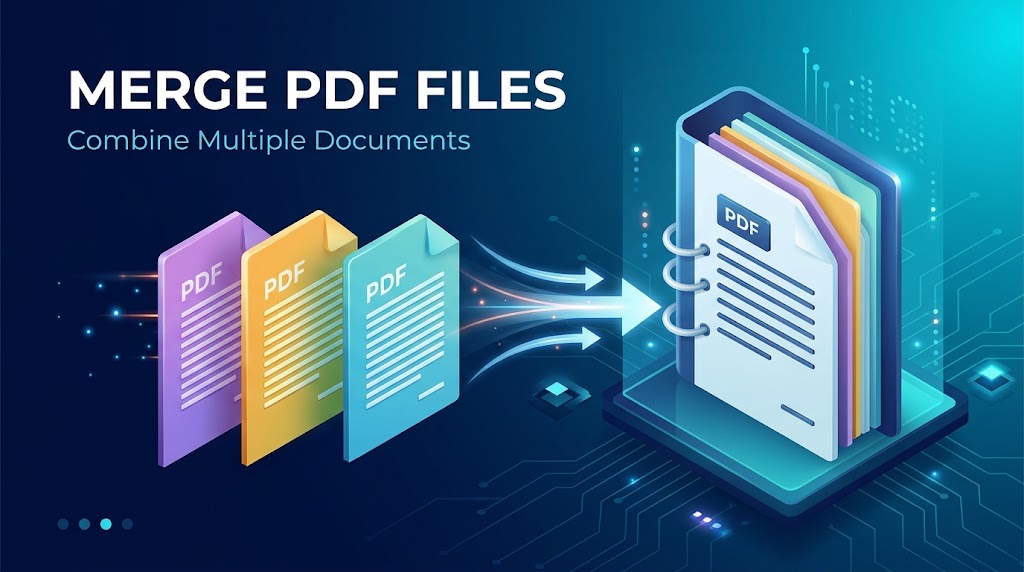
Managing scattered documents, separate invoices, and disjointed report chapters can quickly overwhelm any digital workflow. Combining multiple PDF files into a single, structured document is one of the most effective ways to streamline file sharing, archiving, and presentation.
Why Merging PDFs Improves Productivity
Consolidating your digital assets into a single cohesive document offers several immediate practical advantages:
- Streamlined Communication: Instead of sending five separate attachments in an email, you provide recipients with a single, ordered document.
- Unified Pagination: Merged documents maintain sequential page layouts, making them ready for instant digital presentation or physical double-sided printing.
- Simplified Cloud Archiving: Storing one comprehensive file reduces indexing overhead and prevents misplaced document fragments.
Client-Side vs. Server-Side Merging
Modern web technologies give you two reliable pathways for combining document assets:
1. Client-Side Assembly (Local Browser Memory)
Client-side merging uses WebAssembly and modern JavaScript engines to compile page streams directly within your browser's private memory sandbox. Because the files are never uploaded to remote servers, this method guarantees absolute privacy for confidential legal contracts and financial statements.
2. Cloud-Based Processing Engines
When dealing with massive document bundles (hundreds of pages with high-resolution vector blueprints), cloud processing offers the memory capacity required to compile complex files swiftly without slowing down your computer.
Step-by-Step Best Practices for Merging PDFs
- Review Document Dimensions: Ensure combined pages share compatible aspect ratios (such as A4 or US Letter) to prevent uneven visual margins.
- Compress Before Combining: Optimizing oversized images before merging reduces total file weight significantly.
- Set Proper Page Sequencing: Arrange your files in their exact intended order before finalizing the compilation.
Conclusion
Merging PDF documents saves time, reduces file clutter, and ensures seamless cross-platform sharing. Utilizing lightweight browser utilities ensures your documents remain well-structured, fast to load, and completely secure.
Comments (0)
Leave a Comment